














How to Quickly Restore Your e-Devlet Account in Turkey

🔥 Residence permit expired? e-Devlet not letting you in? Emails not arriving?
If you’ve lost access to e-Devlet and can’t restore it via email – you’re not alone. Statistics show that 99% of foreigners in Turkey don’t know that access can be restored in just 3 minutes – no PTT, no queues, no visit to Göç İdaresi.
Fresh news, tips and insider info every day!
Sound familiar?
- Password for e-Devlet lost
- Code not arriving via email
- PTT says: “Come in person”
- Residence permit just renewed (or already expired)
- Without e-Devlet you can’t download your registration, check SGK, pay taxes, or get insurance
Don’t worry. There has long been an official way to restore access in Turkey – via your bank’s app.
This is the fastest and most convenient way to log into e-Devlet Kapısı.
What you’ll need
Just three things:
- Yabancı Kimlik No (98… / 99…)
- Turkish phone number
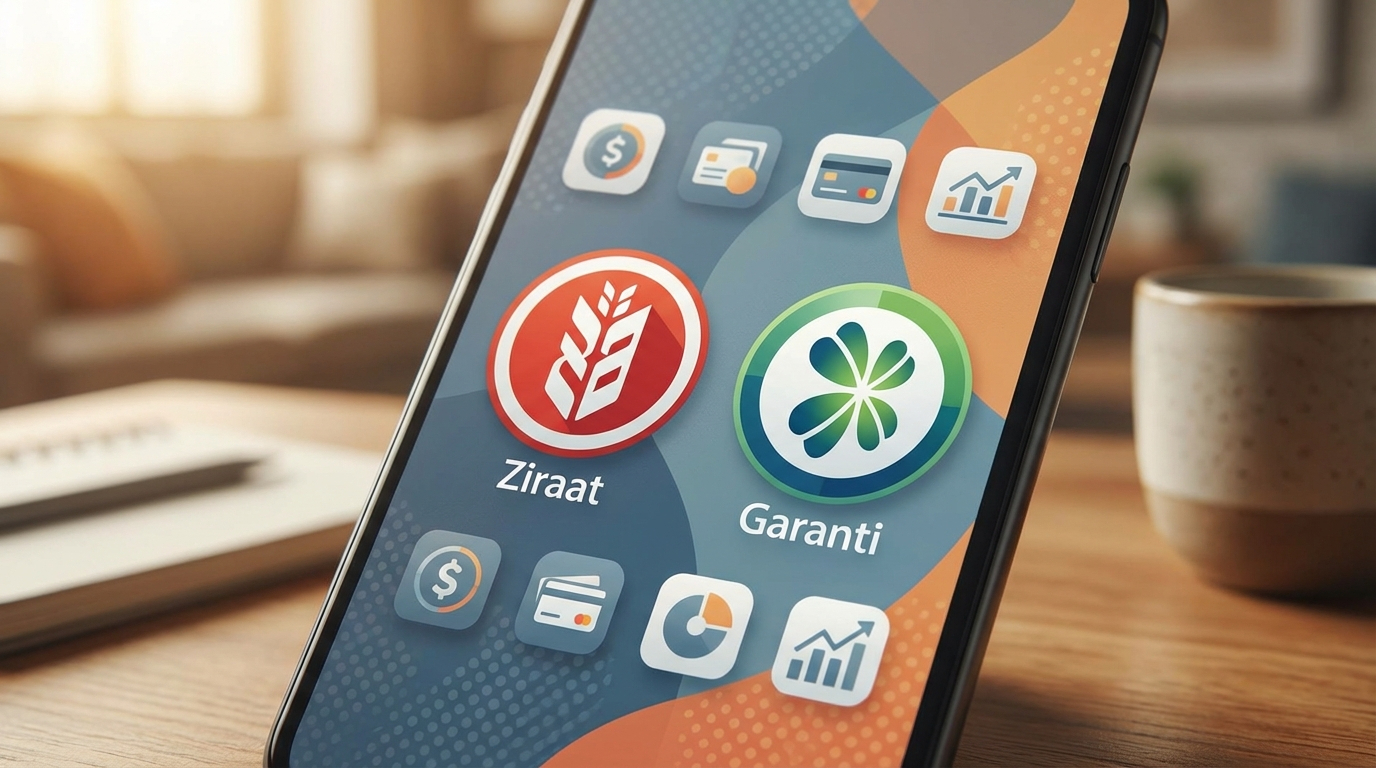
- Mobile banking app (e.g., Ziraat Bankası)
Important: The phone number must be registered with the bank. If it’s just in your phone, the system won’t verify it.
This causes roughly 80% of all recovery errors.
Step-by-step – restore access in 3 minutes
1. Log in to the banking app
Open Ziraat Mobil or another bank app and log in as usual (Face ID or password).
2. Find the e-Devlet section
The path usually looks like this:
Diğer → e-Devlet Kapısı Şifre İşlemleri
Sometimes it’s under Profil or Güvenlik menu.
3. Don’t click «Giriş» ❗
You need the button:
Şifre Oluştur / Yenile
This is the one used for access recovery.
4. Verify your identity
The bank will send a request to the government database. You may be asked for:
- SMS code
- Date of birth
- Last digits of your Kimlik
This is a government system check, not the bank’s.
5. Create a new password
Requirements:
- 8–16 characters
- Latin letters
- At least one number
Don’t use 123456, birth date, or Kimlik number – the system will reject it.
Done. Access restored.
How to log in now
- Go to turkiye.gov.tr
- Click Kimliğimi Şimdi Doğrula
- Enter Yabancı Kimlik No
- Enter your new password
e-Devlet is working again.
If an error appears
Most common message:
“Bilgileriniz doğrulanamadı”
This means the system couldn’t verify your data. Possible reasons:
- Phone number not registered with the bank
- Bank has an old address or residence permit data
- Residence permit only renewed (system updates in 3–10 days)
- e-Devlet never activated before
The little-known trick
In many cases, the issue can be solved without visiting the migration office.
Go to the bank and tell the operator:
“e-Devlet doğrulaması yapamıyorum, kimlik bilgilerimi günceller misiniz?”
The staff will update your data in the MERNİS system, and often within 10–15 minutes login starts working.
No queues. No PTT. No visit to Göç.
Save this guide – it can easily save you half a day in Turkey. Share it with anyone who can’t log into e-Devlet right now.


